
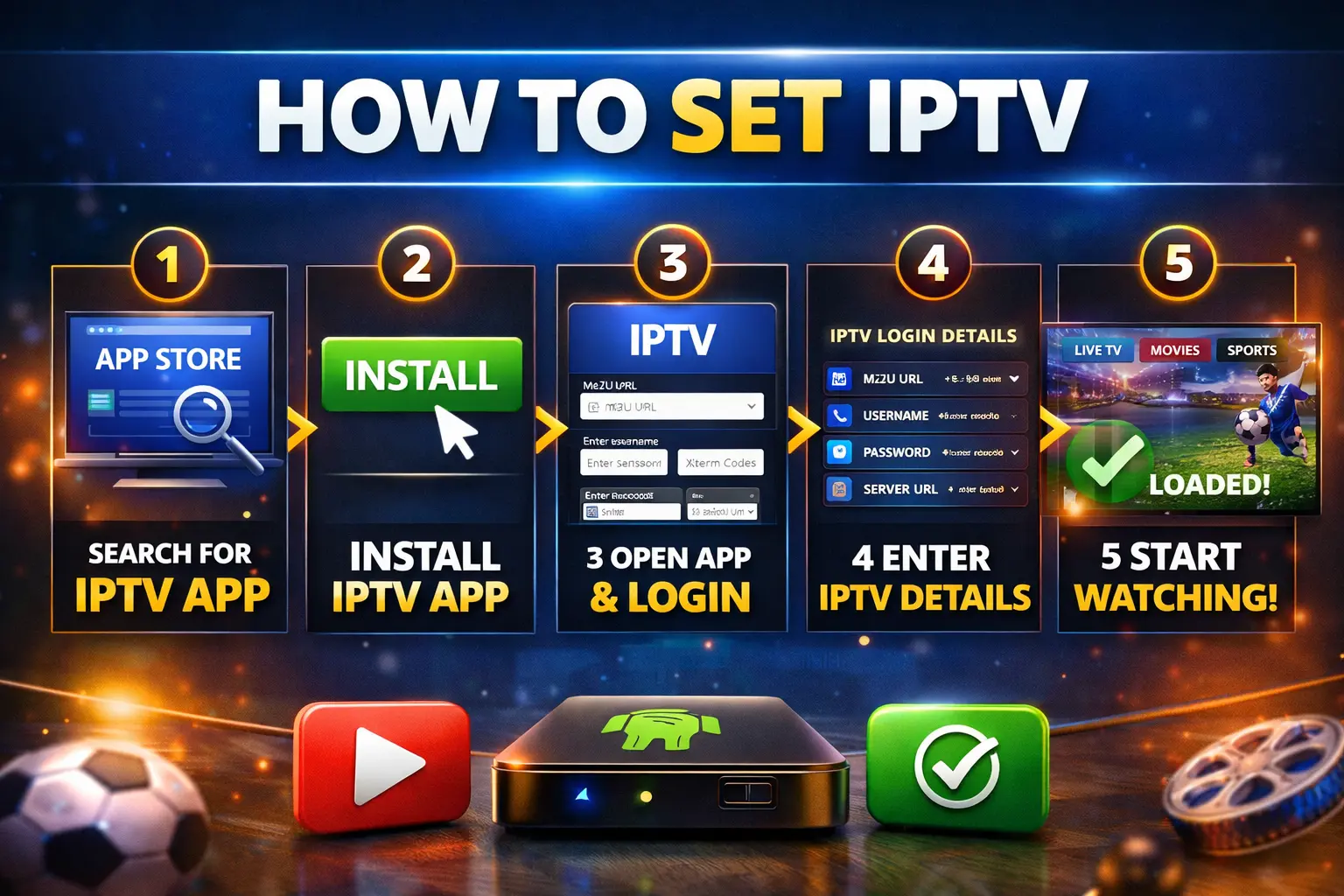
How to Set IPTV (Complete Beginner’s Guide).
If you want to set IPTV and unlock thousands of live TV channels, movies, and sports content, you’re in the right place. IPTV has become one of the fastest-growing ways to watch television without cable or satellite.
Today, more people are switching to IPTV because it’s cheaper, more flexible, and gives access to global content. Whether you want international channels, sports, or on-demand movies, IPTV offers everything in one place.
In this complete guide, you’ll learn exactly how to set IPTV step by step, even if you have zero technical experience.
What is IPTV?
IPTV (Internet Protocol Television) is a technology that allows you to stream TV content over the internet instead of traditional cable or satellite systems.
Instead of using antennas or satellite dishes, IPTV works through apps and playlists. You simply connect to a server, and all your channels and content load instantly.
One of the biggest advantages of IPTV is flexibility. You can watch content anytime, anywhere, using different devices.
Key benefits include:
- Access to thousands of global channels
- Lower cost compared to cable TV
- On-demand movies and series
- Multi-device compatibility
What You Need Before You Set IPTV
Before you begin the setup process, there are a few important things you need.
First, you need a valid IPTV subscription. This usually comes with login credentials such as an M3U playlist link or Xtream Codes (username, password, and server URL).
Second, you need a stable internet connection. IPTV depends entirely on your internet speed, so having at least 10 Mbps is essential. For smooth HD or 4K streaming, 20 Mbps or higher is recommended.
Finally, you need a compatible device. IPTV works on Smart TVs, Android phones, Firestick, tablets, and even computers.
How to Set IPTV on Smart TV
Setting IPTV on a Smart TV is one of the most common and easiest methods.
Start by opening your TV’s app store. Search for an IPTV player such as IPTV Smarters, Smart IPTV, or TiviMate. Install the application and launch it.
Once inside the app, you will be asked to choose a login method. Most apps give you two options: login using Xtream Codes or load an M3U playlist.
If you choose Xtream Codes, enter your username, password, and server URL. If you use an M3U playlist, simply paste the link provided by your IPTV provider.
After entering your details, click login and wait for the app to load your channels and content.
Within seconds, your IPTV will be fully set up and ready to use.
How to Set IPTV on Firestick
Amazon Firestick is one of the best devices for IPTV because it’s fast, affordable, and easy to use.
To get started, go to your Firestick settings and enable “Apps from Unknown Sources.” This allows you to install third-party apps.
Next, install the Downloader app from the Amazon App Store. Open it and enter a download code or URL for an IPTV app like IPTV Smarters.
Once the app is installed, open it and enter your IPTV subscription details. Choose Xtream Codes or M3U login, depending on what you have.
After logging in, your channels will load automatically.
Firestick offers a smooth IPTV experience, especially when using optimized apps like TiviMate.
How to Set IPTV on Android (Phone or TV)
Android devices are the most flexible option for IPTV.
Go to the Google Play Store and search for IPTV apps such as IPTV Smarters, TiviMate, or XCIPTV. Install your preferred app.
Open the app and select your login method. Enter your IPTV credentials and load your playlist.
Once everything is loaded, you can start watching live TV and on-demand content instantly.
Android devices are popular because they allow customization and support many IPTV apps.
M3U Playlist vs Xtream Codes
When you set IPTV, you’ll usually have two login options: M3U playlist or Xtream Codes.
An M3U playlist is simply a link that contains your channel list. It’s easy to use but sometimes less stable.
Xtream Codes require a username, password, and server URL. This method is more reliable and offers better performance.
For the best experience, most users prefer Xtream Codes.
Best IPTV Apps to Use
Choosing the right app is important for performance and user experience.
Some of the best IPTV apps include IPTV Smarters Pro, TiviMate, Smart IPTV, and XCIPTV Player.
TiviMate is especially popular among advanced users because of its smooth interface and advanced features.
IPTV Smarters is ideal for beginners due to its simple setup process.
Common Problems When You Set IPTV
Sometimes users face issues when setting IPTV, but most of them are easy to fix.
If your IPTV is not loading, check your internet connection and make sure your login details are correct.
If you experience buffering, it could be due to slow internet or server issues. Using a faster connection or switching servers can help.
If channels are not working, try refreshing your playlist or contacting your IPTV provider.
Is IPTV Legal?
IPTV technology itself is completely legal. However, legality depends on the content provider and licensing rights.
Always choose trusted providers to avoid any legal or security issues.
FAQ
What is the easiest way to set IPTV?
The easiest way is using IPTV Smarters with Xtream Codes login.
Can I set IPTV without a subscription?
No, you need a valid IPTV provider to access channels and content.
Which device is best for IPTV?
Firestick and Android TV are the best options for performance and ease of use.
Why is my IPTV buffering?
Buffering is usually caused by slow internet or overloaded servers.
Conclusion
Learning how to set IPTV is simple once you understand the process. With the right app, a stable internet connection, and a reliable IPTV provider, you can start streaming in minutes.
IPTV gives you freedom, flexibility, and access to unlimited content without the limitations of traditional TV services.
If you follow the steps in this guide, you’ll be able to set IPTV easily and enjoy a complete entertainment experience.
READ MORE…
Best IPTV Suisse: The Complete Guide to the Best IPTV Service in Switzerland
Bester IPTV Anbieter Schweiz – Warum immer mehr Nutzer sich für iptvsuissetv.ch entscheiden